


LUMETRIC CORRECTOR
Professional Color Correction & Grading Filter for OBS Studio

Professional Color Correction & Grading Filter for OBS Studio
✨ CINEMATIC COLOR GRADING FOR YOUR STREAMS AND RECORDINGS – ONE LUA SCRIPT, NO DEPENDENCIES ✨
Description
Third-party notice: Lumetric Corrector is an independent script for OBS Studio. It is not part of OBS Studio and is not developed by, affiliated with or endorsed by the OBS Project.
AI disclosure (per the Forum Resource and IP Policy): This script was developed with AI coding assistants operated and directed by the maintainer. Version 3.0.0 was developed with substantial assistance from Anthropic Claude (Lua code, the effect shader, the automated test tooling and documentation drafts); earlier versions used OpenAI Codex for individual fixes. The maintainer reviewed the changes and verified them with an automated test-suite and manual tests in OBS Studio 32.1.2 before release. This description was drafted with AI assistance and reviewed by the maintainer. Source code: GitHub (GPLv3).
| 47 Presets in 5 categories | 40+ Controls | 3D LUT .cube & .png, import & export | 2 Languages (EN / DE) |
⚡ Main Features
Color Correction
- Tone: Exposure, Contrast, Brightness, Highlights, Shadows, Whites, Blacks – luminance-weighted, so tone changes do not shift hues
- Fade & Lift: Highlight Fade, Shadow Fade, Black Lift for matte and bleach film looks
- White Balance & Color: Temperature, Tint, Saturation, Vibrance
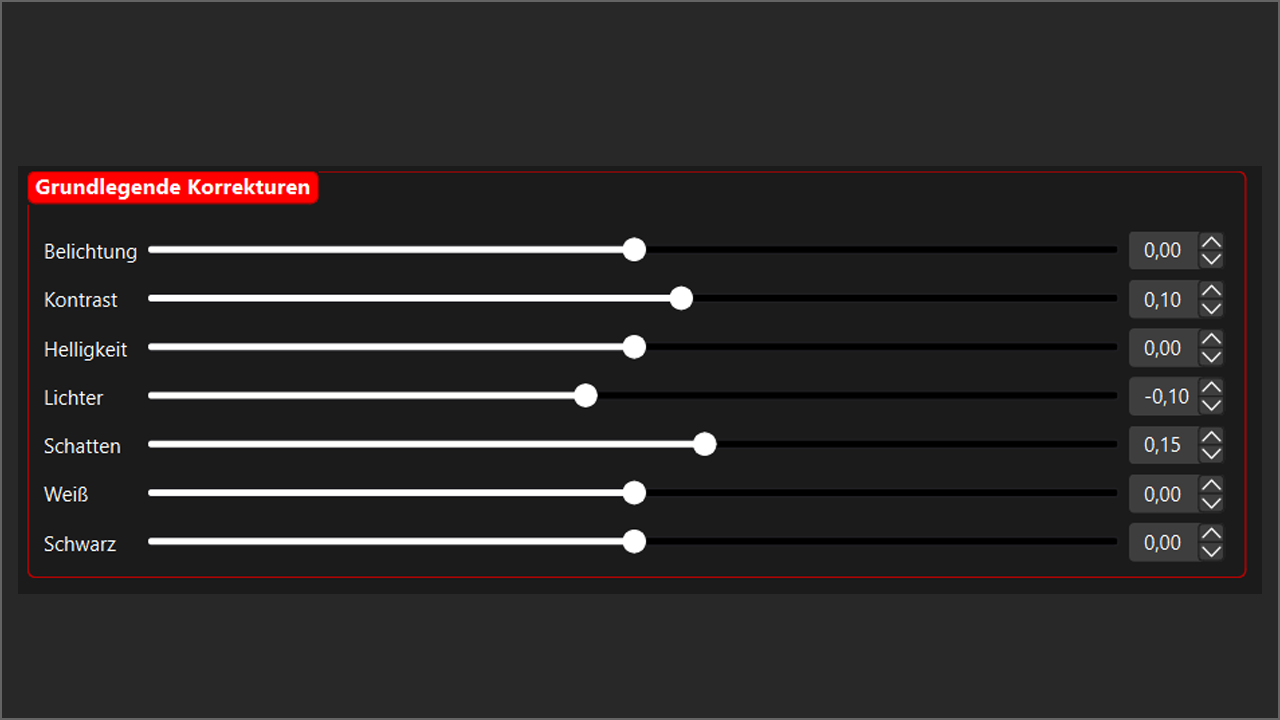
Color correction controls
Color Grading
- Color wheels: separate RGB offsets for shadows, midtones and highlights (Lift / Gamma / Gain)
- Split toning: independent color and strength for shadows and highlights
- 3D LUTs: load .cube files of any size or .png LUTs (OBS 512x512 grid) with adjustable strength – Windows, macOS and Linux
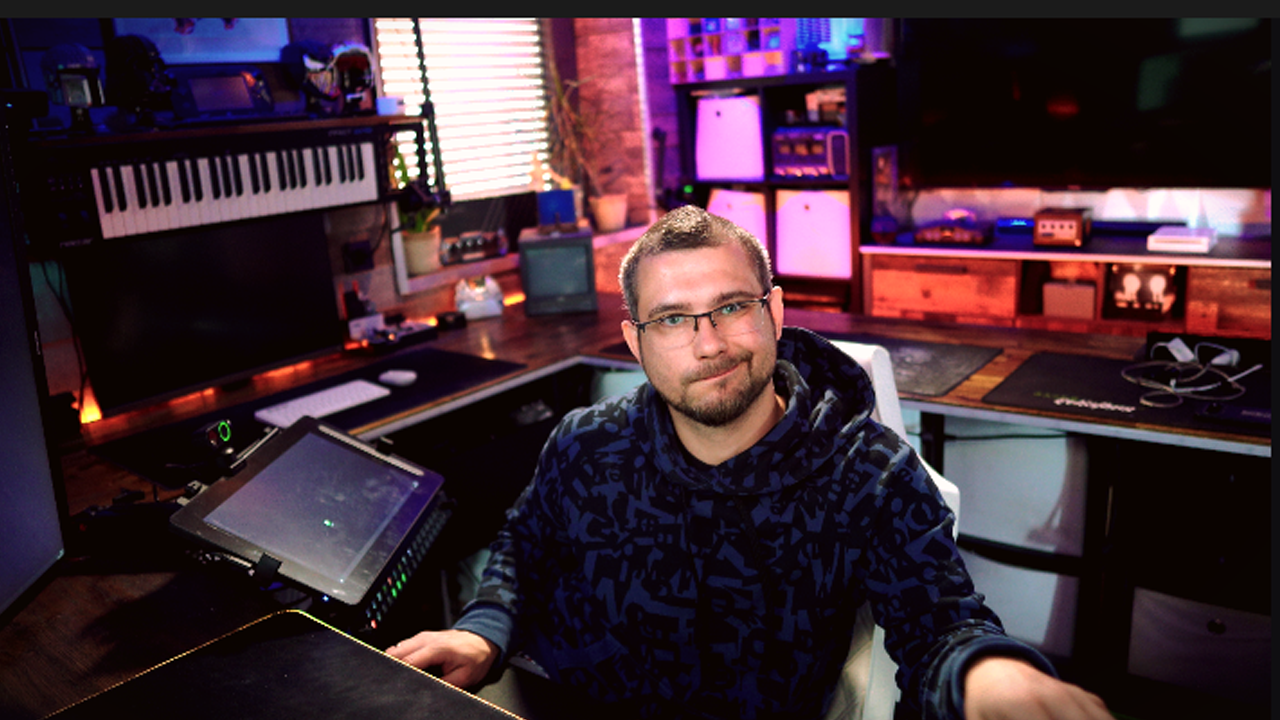
Grading tools
Creative Effects & Workflow
- Bloom, Halation, Sharpen, animated Film Grain, Vignette with radius, feather and shape
- Mask: apply the whole grade only inside an ellipse or rectangle with soft edges
- 47 presets (Basic, Style, Mood, Era, Creative) that apply instantly, plus "Reset all"
- Looks: save and load all color settings as JSON to share between scenes, profiles and computers
- LUT export: bake your look into a 33³ .cube or an OBS-compatible 512x512 .png LUT
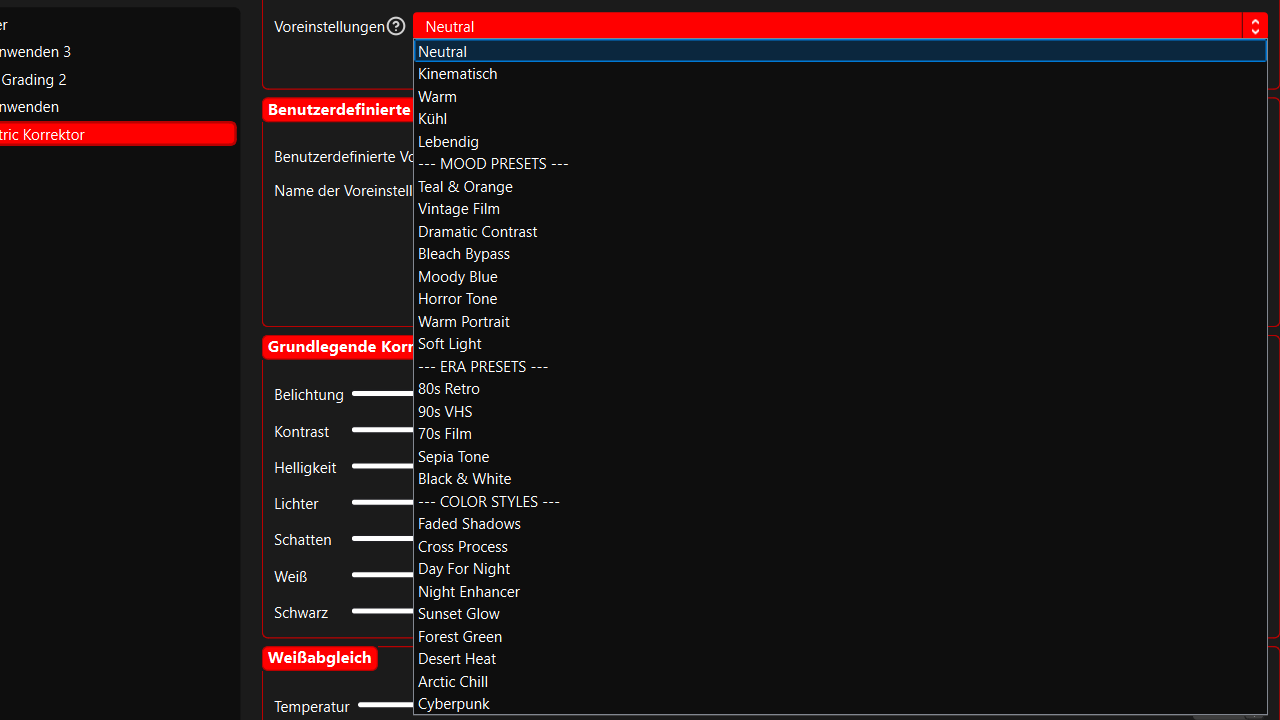
Mood presets
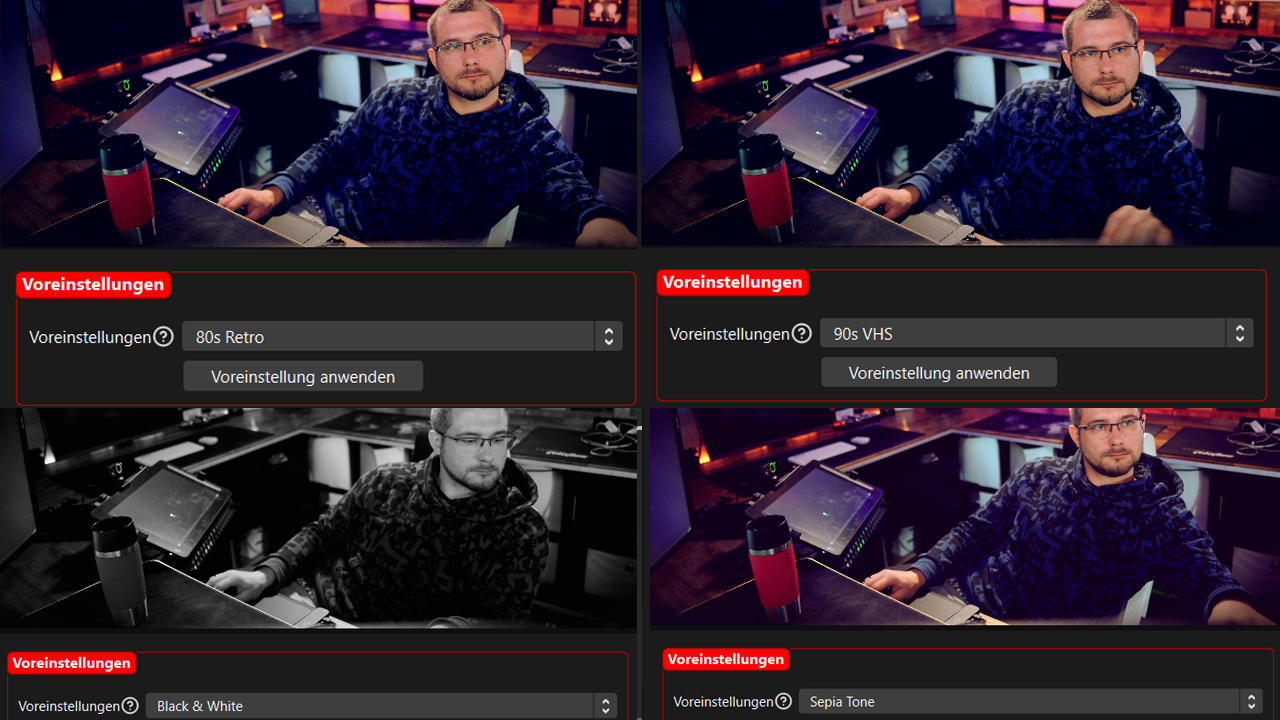
Era presets
Use Cases
Streaming
| Content Creation
| Creative
|
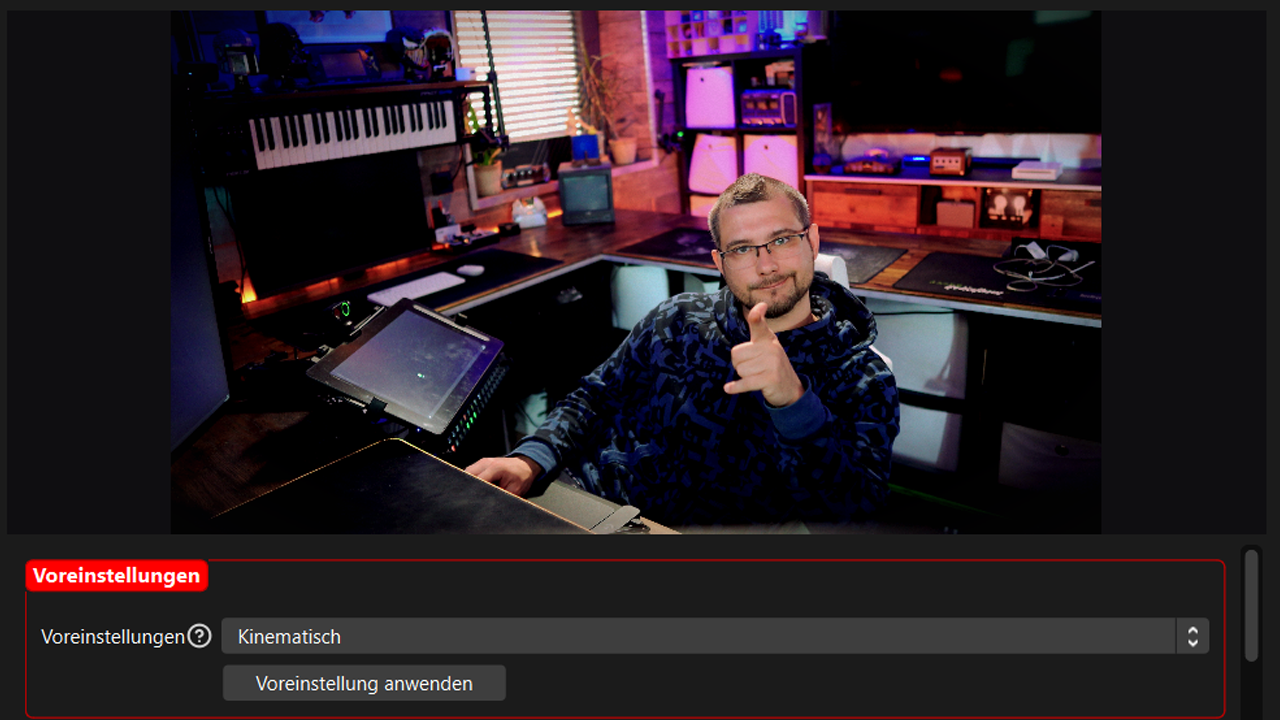
Color correction on a gaming stream
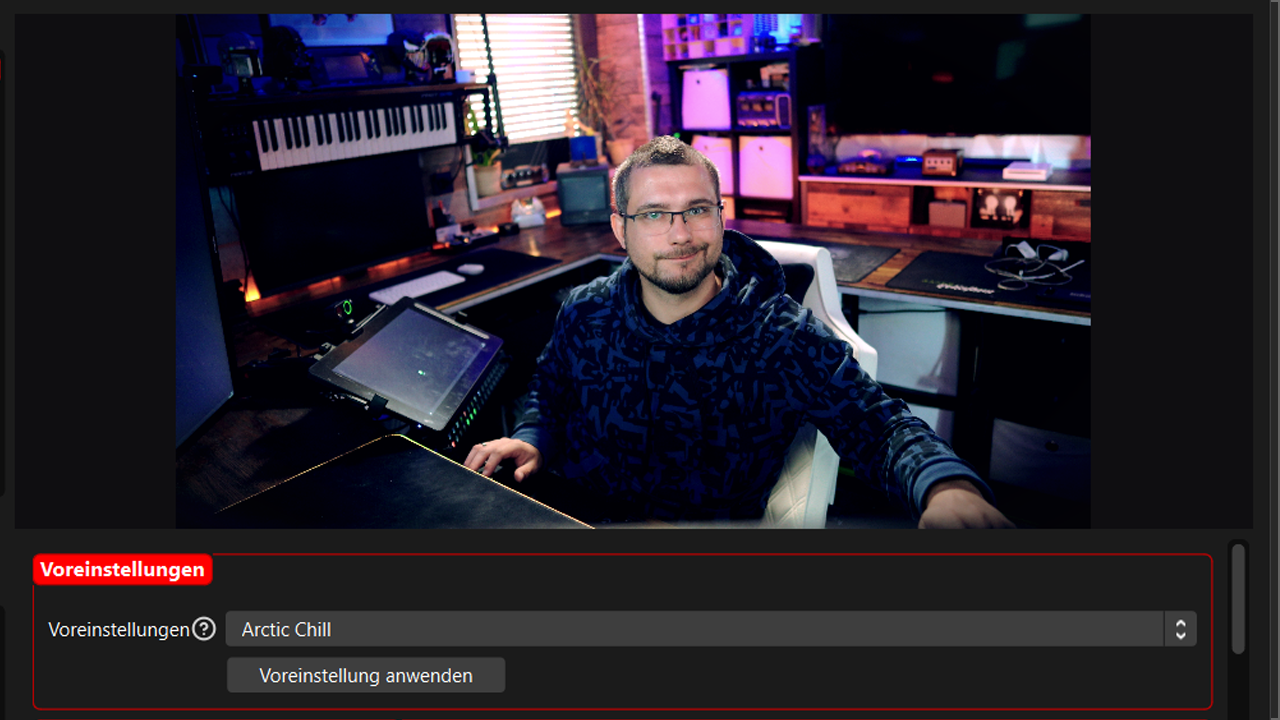
Creative grading
Installation & Usage
Three simple steps:
- Download lumetric_corrector.lua and add it under Tools → Scripts
- Add "Lumetric Corrector" as a filter to any source or scene
- Pick a preset or adjust the sliders – every control has a tooltip
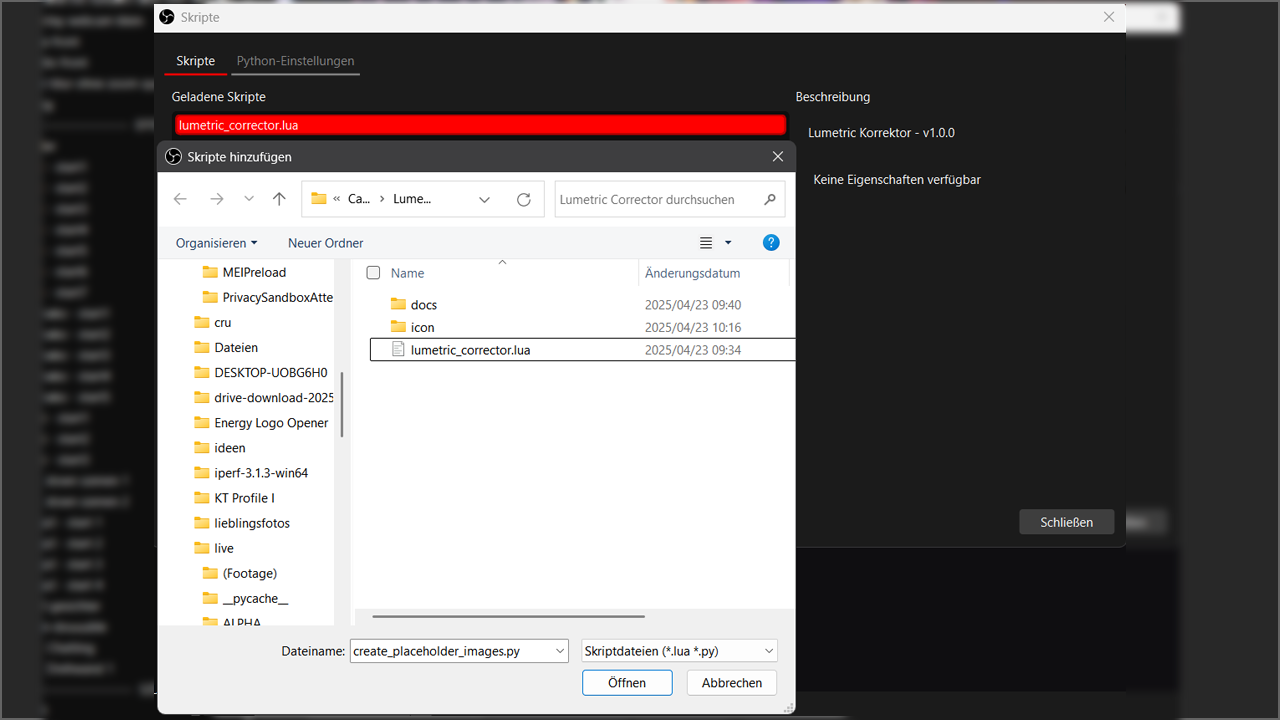
Adding the filter in OBS Studio
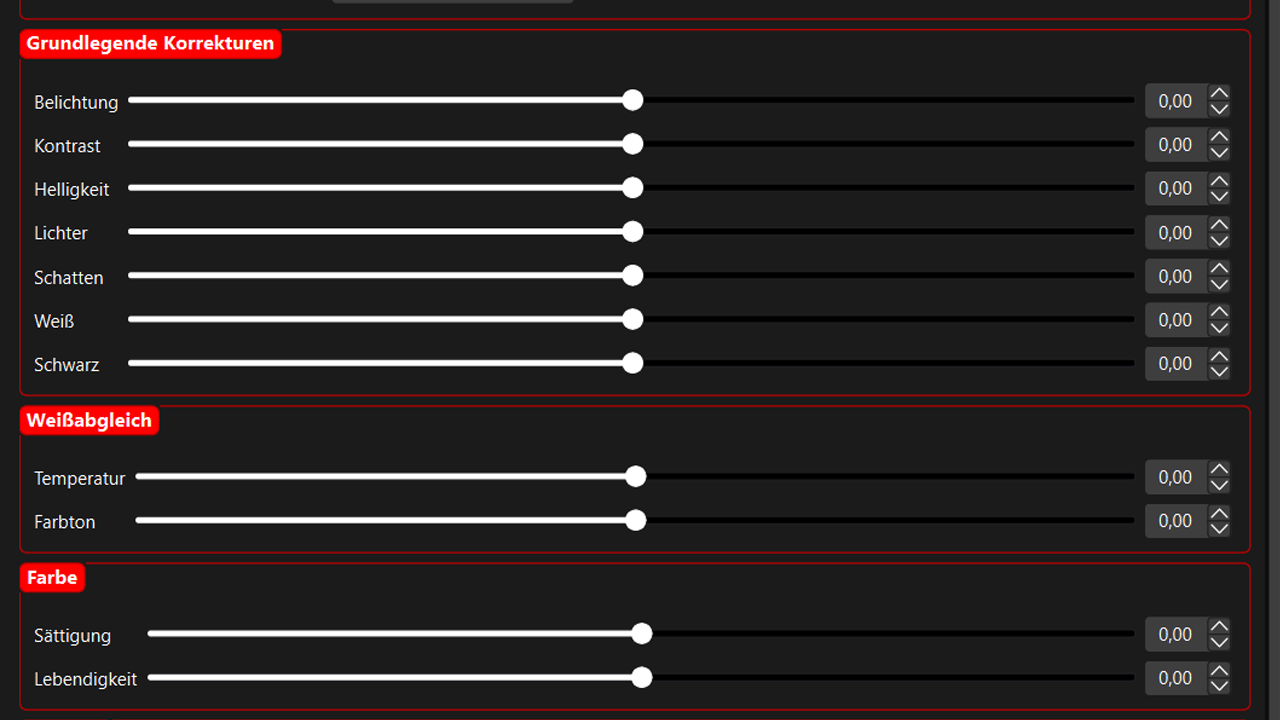
Filter interface
⚙️ Technical Details
Languages English & German (follows OBS) | OBS 30.0+ (tested with 32.x) | Platforms Windows, macOS, Linux | Performance Single GPU pass, uniforms uploaded only on change | Dependencies None |
What's new in 3.0.0
- Brightness, Highlights, Shadows, Whites and Blacks are finally in the UI
- 3D LUTs work: .cube files are converted to a cached 16-bit atlas and sampled trilinearly on every platform
- 47 presets (17 new), applied instantly; presets no longer leak internal data into your scene file
- Film grain is back, bloom and halation reworked, tone controls luminance-weighted
- Look files (JSON), PNG LUT export, LUT status line, English and German tooltips
- Faithful LUT export that matches the on-screen image, many stability fixes
Support
Questions or issues: GitHub · Discord. Please include your OBS version, platform and the [Lumetric] lines from the Script Log.
Download and transform your image!
⬇️ DOWNLOAD LUMETRIC CORRECTOR (latest)
TheGeekFreaks © 2025–2026 | Lumetric Corrector v3.0.0 | GPLv3
⬇️ DOWNLOAD LUMETRIC CORRECTOR (latest)
TheGeekFreaks © 2025–2026 | Lumetric Corrector v3.0.0 | GPLv3


